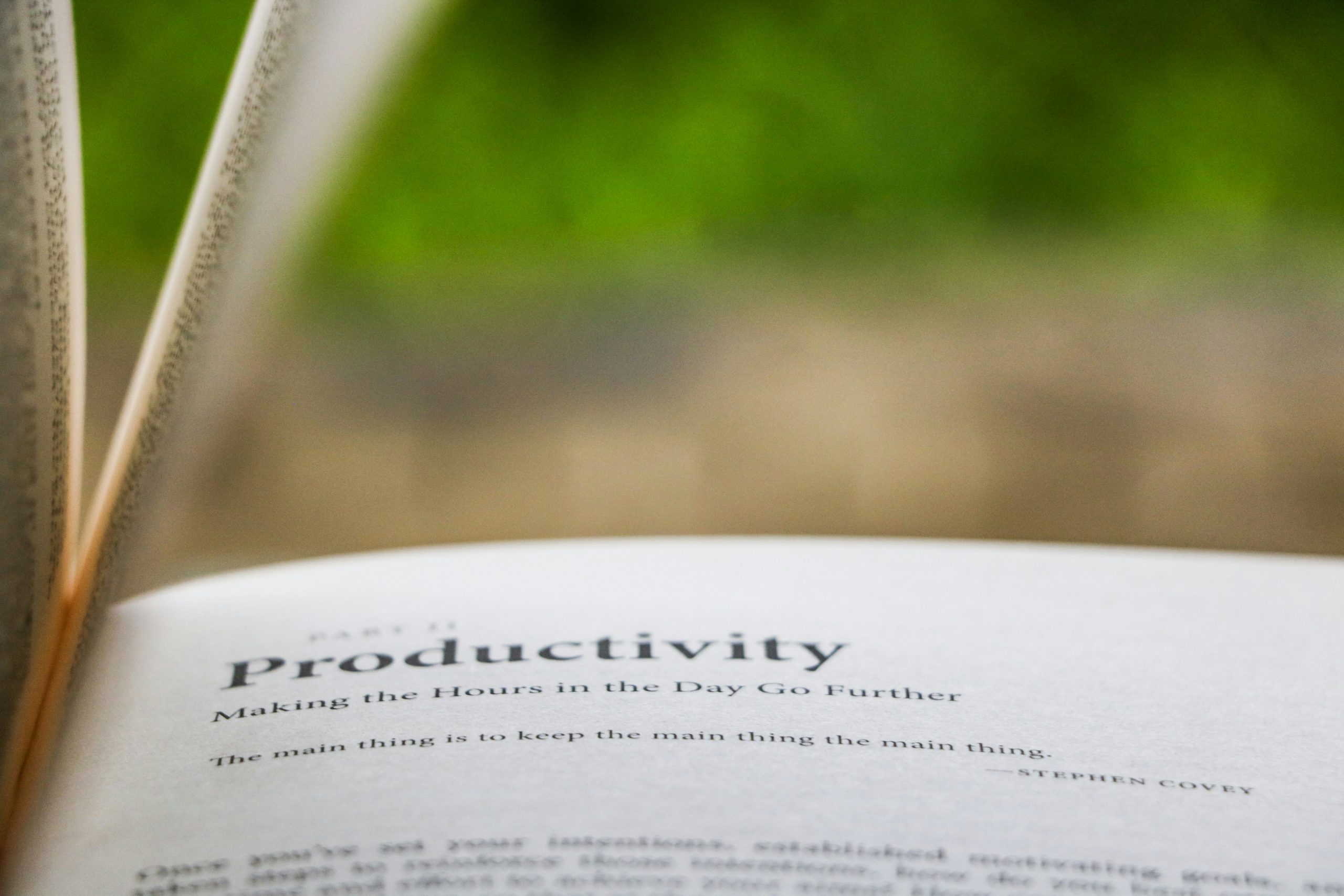
Productivity has become a buzzword in the digital age. With endless to-do lists, emails piling up, and constant notifications, many people are searching for tools to help them stay on top of it all. The problem? Some “productivity” apps are so complex that they add more stress than they remove. The good news is that not all productivity apps are built this way. In fact, some are refreshingly simple — designed to streamline tasks, not overcomplicate them. Here are some of the best options worth trying.
Todoist: A To-Do List That Works With You
At its core, Todoist is just a to-do list, but with enough smart features to keep things moving smoothly. You can create tasks, organise them by projects, and set recurring reminders. The clean design means you won’t get distracted by unnecessary features. Plus, its cross-platform sync means your to-dos follow you everywhere, whether on phone, laptop, or smartwatch.
Notion: Flexible, But Still Simple
Notion is known for being powerful, but it doesn’t need to be complicated. Think of it as a digital notebook where you can write ideas, manage projects, or even track habits. The best part is how you can customise it to fit your needs without having to use every single feature. Minimalists can keep it as a basic notes app, while power users can turn it into a full productivity dashboard.
Google Keep: Notes Made Effortless
If you want something ultra-lightweight, Google Keep is ideal. It works like sticky notes for the digital world — quick, colourful, and easy to organise. Whether it’s jotting down grocery lists, capturing random thoughts, or setting location-based reminders, it’s a no-fuss app that does its job without distractions.
Forest: Beat Procrastination With Trees
Sometimes, productivity isn’t about managing tasks — it’s about managing attention. Forest gamifies focus by letting you “plant” a virtual tree that grows while you stay off your phone. If you leave the app to scroll social media, your tree withers. It’s a playful yet surprisingly effective way to fight procrastination, especially for students or remote workers.
Trello: Visual Task Management
For people who prefer seeing things laid out, Trello uses a simple card-and-board system. Tasks are added to boards, and you can move them across columns like “To Do,” “In Progress,” and “Done.” It’s visual, intuitive, and perfect for both personal projects and small team collaborations.
Pocket: Save Now, Read Later
Getting distracted by interesting articles during work? Pocket lets you save them to read later. This helps you stay focused on the task at hand without losing track of good content. It also works offline, making it perfect for commutes or screen-free time away from work.
Why Simplicity Wins
The truth is, productivity apps should make life easier — not feel like another job. The best ones are those that blend into your routine with little effort. They don’t force you to adapt to them; instead, they adapt to you. That’s why the apps above work so well: they cut through the noise and focus on helping you get things done.
Finding What Fits You
No single app works for everyone. The key is to experiment and see which tool matches your workflow. Maybe you’re a list-maker, a visual thinker, or someone who just needs fewer distractions. Whatever your style, remember this: productivity is less about how many tools you use and more about finding balance. The right app won’t make you a superhuman overnight, but it can give you the clarity to focus on what truly matters.